
How to Choose the Right Laptop in 2025: A Complete Buyer’s Guide
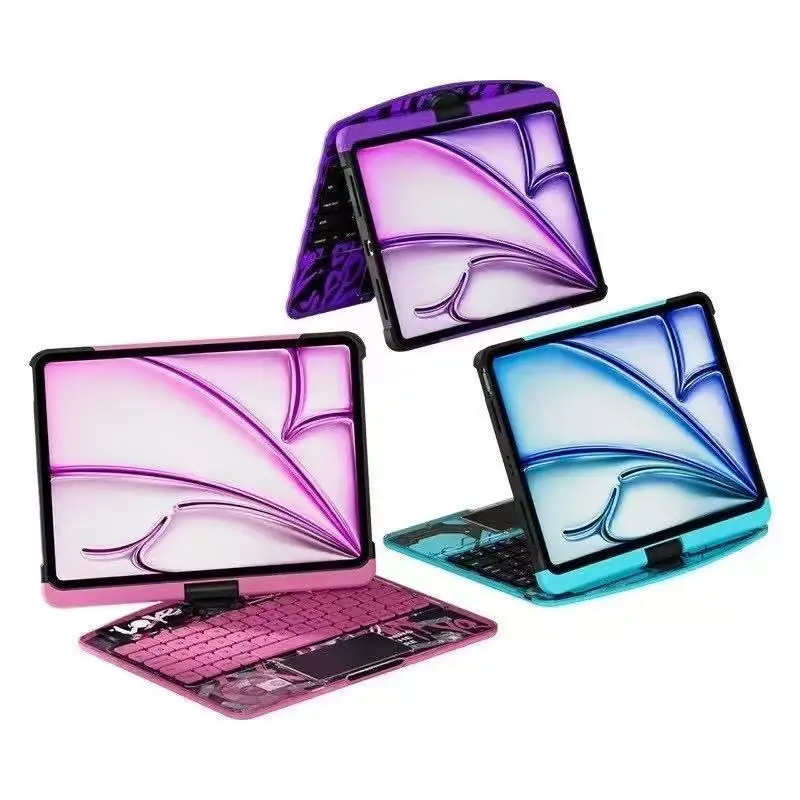
Buying a laptop in 2025 can feel overwhelming. With so many brands, specifications, and price ranges, it’s easy to end up with a device that doesn’t truly meet your needs.
This guide breaks everything down in simple terms so you can confidently choose the right laptop—whether you’re a student, professional, business owner, or casual user.
1. Start with Your Purpose
Before looking at brands or prices, ask yourself one key question:
What will I mainly use the laptop for?
For Students
- Online classes
- Research and assignments
- Basic software (Word, Excel, Zoom)
Recommended specs:
- Processor: Intel Core i3 / AMD Ryzen 3 (or higher)
- RAM: 8GB
- Storage: 256GB SSD
- Screen: 13–15 inches
For Office & Business Use
- Emails and documents
- Accounting software
- Browsing and multitasking
Recommended specs:
- Processor: Intel Core i5 / AMD Ryzen 5
- RAM: 8–16GB
- Storage: 512GB SSD
- Battery life: 8 hours or more
For Creative Work & Gaming
- Graphic design
- Video editing
- Programming
- Gaming
Recommended specs:
- Processor: Intel Core i7 / Ryzen 7 or higher
- RAM: 16GB or more
- Storage: 512GB–1TB SSD
- Dedicated graphics card (NVIDIA / AMD)
- High-resolution display
2. Understanding Laptop Specifications (Without the Confusion)
Processor (CPU)
This is the “brain” of the laptop.
- Intel Core i3 / Ryzen 3 → Basic tasks
- Intel Core i5 / Ryzen 5 → Everyday multitasking
- Intel Core i7 / Ryzen 7 → High performance
- Apple M-series → Powerful and energy efficient
👉 If you’re unsure, Core i5 / Ryzen 5 is the safest choice for most people.
RAM (Memory)
RAM affects speed and multitasking.
- 8GB RAM → Minimum recommended in 2025
- 16GB RAM → Best for power users and creatives
Avoid laptops with 4GB RAM unless you only need very basic use.
Storage (SSD vs HDD)
Always choose SSD over HDD.
- 256GB SSD → Basic use
- 512GB SSD → Recommended
- 1TB SSD → Heavy files and media
SSDs make laptops start faster and feel smoother.
3. Screen Size & Display Quality
Choose based on comfort and portability:
- 13–14 inches → Lightweight and portable
- 15–16 inches → Better for multitasking
- 17 inches → Desktop replacement
Look for:
- Full HD (1920×1080) or higher
- IPS display for better color and viewing angles
4. Battery Life Matters
In 2025, a good laptop should offer:
- At least 7–8 hours of real-world use
- More if you travel or work remotely
Ultrabooks and Apple laptops generally have better battery efficiency.
5. Build Quality & Keyboard
Don’t ignore comfort:
- Solid body (metal is better than plastic)
- Comfortable keyboard for typing
- Good trackpad
- Enough USB ports, HDMI, and headphone jack
6. Operating System: Which One Is Right for You?
- Windows → Most flexible, works for everyone
- macOS → Best for Apple ecosystem users
- Linux → Ideal for developers and advanced users
Choose what you’re already comfortable with.
7. Budget Planning
A rough guide:
- Budget laptops: $300–$600
- Mid-range laptops: $600–$1,000
- Premium laptops: $1,000+
Spending slightly more upfront usually saves money in the long run.
8. Popular Laptop Brands You Can Trus
In 2025, reliable brands include:
- HP
- Dell
- Lenovo
- ASUS
- Apple
- Acer
Each brand offers models for different budgets and needs.
9. Common Mistakes to Avoid
❌ Buying based on price alone
❌ Choosing HDD instead of SSD
❌ Ignoring RAM size
❌ Overpaying for features you don’t need
Final Thoughts
Choosing the right laptop doesn’t have to be complicated. Focus on your needs first, understand the basics, and pick a laptop that balances performance, durability, and price.
At PrimetechMall, we carefully select laptops that meet modern standards, ensuring you get authentic products, fair pricing, and reliable performance.
👉 Browse our Laptop Collection today and find the perfect device for your needs.