
Author: GildoMarove
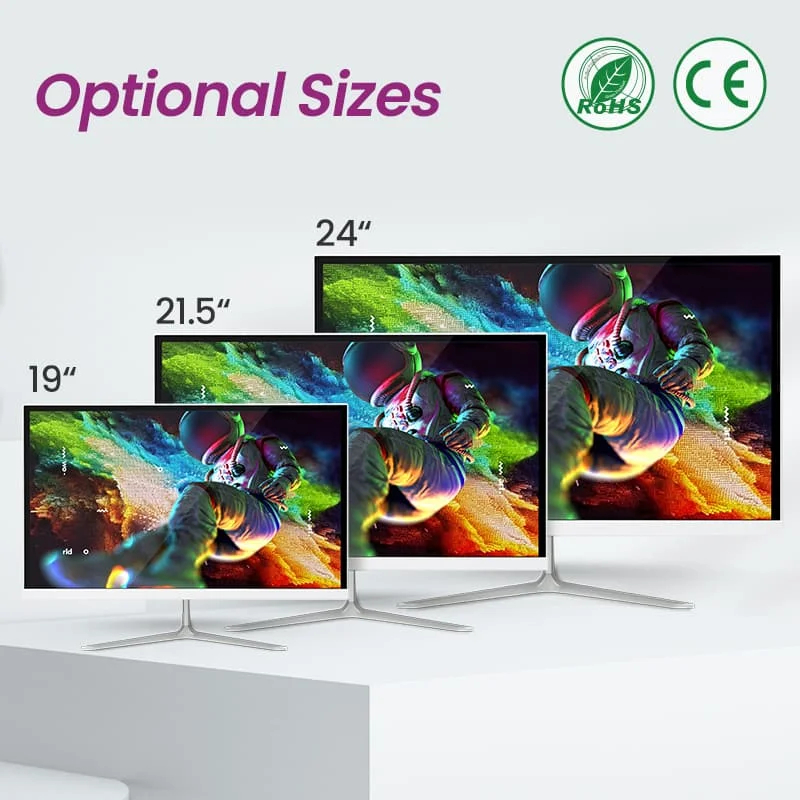
Laptop vs Desktop: Which One Should You Buy in 2025?
Choosing between a laptop and a desktop computer is a common dilemma for many buyers. Both options are powerful, reliable, and useful—but the right choice depends entirely on how you plan to use it.
In this guide, we’ll break down the differences in simple terms to help you decide which one is best for you in 2025.
What Is the Main Difference?
The biggest difference is portability.
- Laptops are portable, compact, and all-in-one.
- Desktops are stationary, more powerful for the price, and easier to upgrade.
Let’s explore both in detail.
Why Choose a Laptop?
Best For:
- Students
- Remote workers
- Business professionals
- Frequent travelers
Advantages of Laptops
✅ Portable and lightweight
✅ Built-in battery
✅ Takes up little space
✅ Easy to carry anywhere
✅ Ideal for work-on-the-go
Disadvantages of Laptops
❌ More expensive for the same performance
❌ Limited upgrade options
❌ Smaller screen and keyboard
Why Choose a Desktop?
Best For:
- Offices and businesses
- Graphic designers and video editors
- Gamers
- Home workstations
Advantages of Desktops
✅ Better performance for the price
✅ Larger screens and comfortable setup
✅ Easy to upgrade (RAM, storage, graphics)
✅ Better cooling for heavy tasks
Disadvantages of Desktops
❌ Not portable
❌ Requires constant power
❌ Takes up more space
Performance Comparison in 2025
With modern technology:
- A mid-range desktop often outperforms a mid-range laptop
- Laptops have improved greatly but still cost more for high performance
- Desktops are better for long, intensive tasks
If performance matters most, desktops usually win.
Cost Comparison
Generally:
- Budget laptops start cheaper but offer limited power
- Desktops give more value at the same price point
- Accessories (monitor, keyboard, mouse) may add cost to desktops
Space & Setup Considerations
Choose a laptop if:
- You have limited space
- You move often
- You work in multiple locations
Choose a desktop if:
- You have a fixed workspace
- You want a comfortable long-term setup
- You need multiple screens
Which One Is Better for Students?
👉 Laptop
Students benefit from portability, battery life, and flexibility for classes, libraries, and group work.
Which One Is Better for Business & Office Work?
👉 Both
- Laptop for mobility
- Desktop for office productivity
Many professionals use both.
Which One Is Better for Gaming & Creative Work?
👉 Desktop
Desktops handle:
- High-end graphics
- Video editing
- 3D design
- Gaming
…much better at a lower cost.
Quick Decision Guide
| Your Need | Best Choice |
|---|---|
| Portability | Laptop |
| Power & upgrades | Desktop |
| Small space | Laptop |
| Office setup | Desktop |
| Travel | Laptop |
| Gaming & editing | Desktop |
Final Thoughts
There’s no “one-size-fits-all” answer.
The best computer is the one that fits your lifestyle, workspace, and budget.
At PrimetechMall, we offer a wide selection of both laptops and desktops, carefully selected to meet modern performance standards.
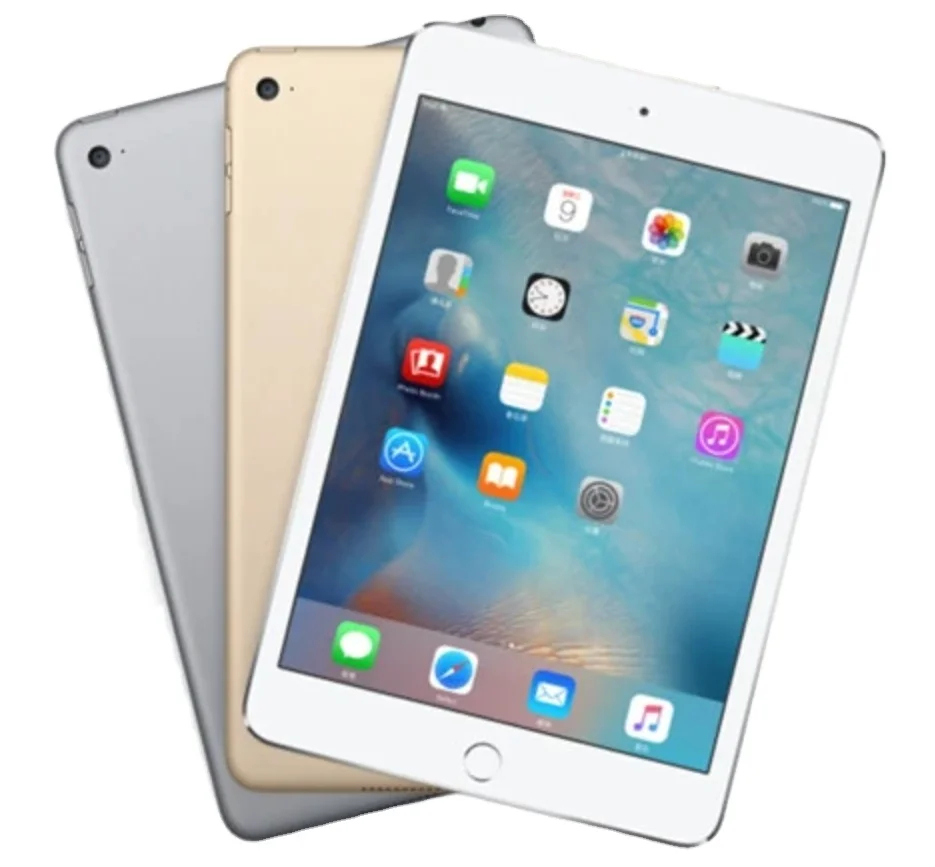
Smartphone Storage Explained: 64GB vs 128GB vs 256GB – Which One Do You Really Need?
When buying a smartphone, one of the most confusing choices is storage size. Many people assume more storage is always better—but that’s not always necessary.
This guide explains smartphone storage in clear, practical terms, helping you choose the right option without overspending.
What Does Smartphone Storage Actually Do?
Storage is where your phone keeps:
- Apps and games
- Photos and videos
- Music and downloads
- System files and updates
Once storage fills up, your phone may slow down, stop updating, or refuse to install new apps.
64GB Storage: Who Is It Best For?
Best for:
- Light phone users
- Calls, WhatsApp, Facebook, and light browsing
- Minimal photos and videos
Pros:
- Most affordable option
- Suitable for basic daily use
Cons:
- Fills up quickly
- Limited space for videos and large apps
👉 Not recommended if you take many photos or record videos often.
128GB Storage: The Best Balance
Best for:
- Most users
- Social media, streaming, photography
- Work and personal apps
Pros:
- Enough space for photos, apps, and videos
- Better long-term use
- Best value for money
Cons:
- Slightly more expensive than 64GB
👉 Recommended choice for 2025 for the majority of users.
256GB Storage: Power Users & Content Creators
Best for:
- Heavy users
- Content creators
- Gamers
- Video recording and editing
Pros:
- Plenty of space
- Rarely need to delete files
- Ideal for high-resolution video
Cons:
- Higher price
- Unnecessary for casual users
👉 Choose this if you want maximum freedom and long-term storage.
Does Cloud Storage Replace Phone Storage?
Cloud storage (Google Drive, iCloud) helps, but it:
- Requires internet access
- May cost monthly fees
- Doesn’t replace local storage entirely
Local storage is still essential for smooth performance.
Photos & Videos Use More Storage Than You Think
In 2025:
- A single photo can be 5–10MB
- A 4K video can be 400MB per minute
If you record videos often, higher storage is worth it.
Can You Upgrade Storage Later?
Most modern smartphones do not support memory cards.
Once you choose a storage size, it’s permanent.
That’s why it’s better to buy slightly more storage than you think you need.
Quick Storage Recommendation Guide
| User Type | Recommended Storage |
|---|---|
| Light user | 64GB |
| Average user | 128GB |
| Heavy user | 256GB |
Final Thoughts
Choosing the right smartphone storage helps you:
- Avoid running out of space
- Improve phone performance
- Save money by buying only what you need
At PrimetechMall, we clearly list storage options for every smartphone so you can choose confidently.
👉 Browse our Smartphones Collection and pick the storage that fits your lifestyle.
Buying Electronics Online in Africa: What You Should Know Before You Pay
Shopping for electronics online in Africa has become easier than ever. From smartphones and laptops to tablets and accessories, online stores now offer access to products that were once hard to find locally.
However, buying electronics online also comes with risks—fake products, delayed deliveries, payment issues, and unclear return policies.
This guide will help you shop safely, confidently, and smartly when buying electronics online in Africa.
1. Buy Only from Trusted Online Stores
One of the biggest mistakes shoppers make is buying from unknown sellers without verifying their credibility.
Before placing an order, check:
- Clear contact information (email, phone, WhatsApp)
- Real product descriptions and images
- Secure checkout process
- Customer support availability
Reliable stores are transparent about who they are and how they operate.
2. Understand Where the Product Ships From
Shipping origin matters more than most people realize.
- Local or U.S.-based fulfillment usually means faster delivery and better quality control
- International shipping may take longer but often offers more product variety
Always check estimated delivery timelines before paying.
3. Choose Safe and Familiar Payment Methods
When buying electronics online in Africa, payment security is crucial.
Always use platforms that support:
- Debit or credit cards
- Mobile money (such as M-Pesa)
- PayPal or trusted payment gateways
- Direct bank transfers (where available)
Avoid stores that request payments through unverified personal accounts.
4. Watch Out for Prices That Are Too Good to Be True
Extremely low prices are often a red flag.
Genuine electronics have relatively stable market prices. If a deal looks unrealistic, it probably is.
Compare prices across multiple platforms and look for:
- Clear product specifications
- Model numbers
- Storage capacity and warranty details
5. Check Product Details Carefully
Before you buy, confirm:
- Storage size (especially for phones and laptops)
- RAM and processor (for computers)
- Compatibility with local networks and power standards
- Included accessories
Reading product descriptions carefully helps avoid disappointment.
6. Know the Return and Warranty Policy
A trustworthy online store clearly states:
- Return conditions
- Time limits for reporting issues
- Warranty coverage (if applicable)
If you cannot find a return or warranty policy, proceed with caution.
7. Delivery & Tracking: What to Expect
After placing an order:
- You should receive an order confirmation
- Tracking details should be provided once the item ships
- Delivery timelines should be realistic, not exaggerated
Good stores keep customers informed throughout the process.
8. Avoid Fake Reviews and Social Media Scams
Be cautious of:
- Stores with only perfect reviews
- Sellers communicating only through social media DMs
- Requests to complete payment outside the website
Legitimate stores encourage checkout through secure platforms.
9. Why Shopping with a Reliable Store Matters
Buying electronics is an investment. Choosing a trusted store ensures:
- Genuine products
- Secure payments
- Better customer support
- Peace of mind
At PrimetechMall, we prioritize transparency, quality, and customer satisfaction, making online tech shopping easier and safer for customers across Africa.
Final Advice
Take your time. Ask questions. Read carefully.
A few extra minutes of research can save you money, stress, and disappointment.
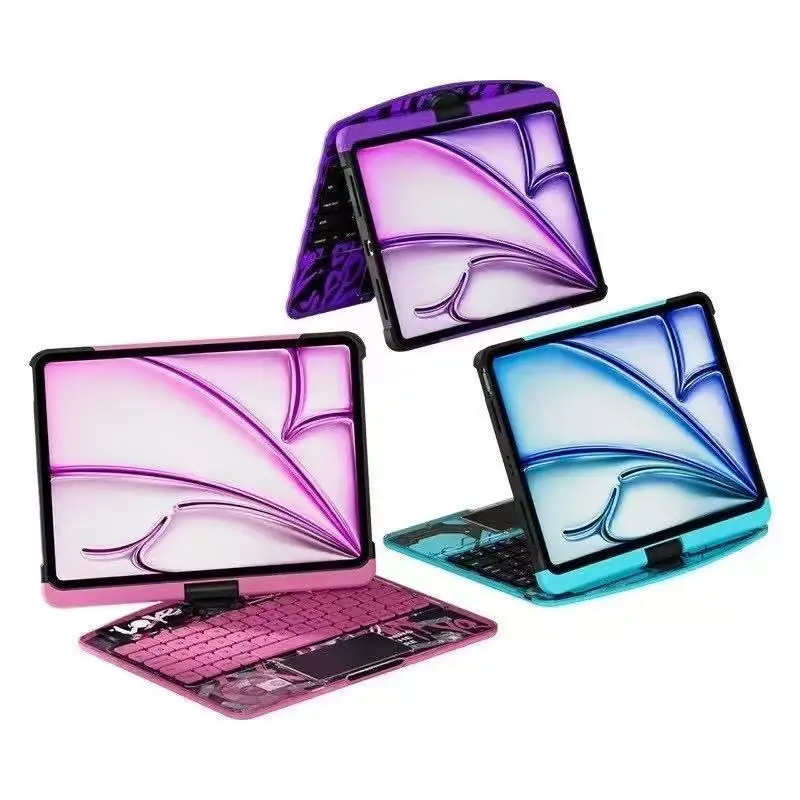
How to Choose the Right Laptop in 2025: A Complete Buyer’s Guide
Buying a laptop in 2025 can feel overwhelming. With so many brands, specifications, and price ranges, it’s easy to end up with a device that doesn’t truly meet your needs.
This guide breaks everything down in simple terms so you can confidently choose the right laptop—whether you’re a student, professional, business owner, or casual user.
1. Start with Your Purpose
Before looking at brands or prices, ask yourself one key question:
What will I mainly use the laptop for?
For Students
- Online classes
- Research and assignments
- Basic software (Word, Excel, Zoom)
Recommended specs:
- Processor: Intel Core i3 / AMD Ryzen 3 (or higher)
- RAM: 8GB
- Storage: 256GB SSD
- Screen: 13–15 inches
For Office & Business Use
- Emails and documents
- Accounting software
- Browsing and multitasking
Recommended specs:
- Processor: Intel Core i5 / AMD Ryzen 5
- RAM: 8–16GB
- Storage: 512GB SSD
- Battery life: 8 hours or more
For Creative Work & Gaming
- Graphic design
- Video editing
- Programming
- Gaming
Recommended specs:
- Processor: Intel Core i7 / Ryzen 7 or higher
- RAM: 16GB or more
- Storage: 512GB–1TB SSD
- Dedicated graphics card (NVIDIA / AMD)
- High-resolution display
2. Understanding Laptop Specifications (Without the Confusion)
Processor (CPU)
This is the “brain” of the laptop.
- Intel Core i3 / Ryzen 3 → Basic tasks
- Intel Core i5 / Ryzen 5 → Everyday multitasking
- Intel Core i7 / Ryzen 7 → High performance
- Apple M-series → Powerful and energy efficient
👉 If you’re unsure, Core i5 / Ryzen 5 is the safest choice for most people.
RAM (Memory)
RAM affects speed and multitasking.
- 8GB RAM → Minimum recommended in 2025
- 16GB RAM → Best for power users and creatives
Avoid laptops with 4GB RAM unless you only need very basic use.
Storage (SSD vs HDD)
Always choose SSD over HDD.
- 256GB SSD → Basic use
- 512GB SSD → Recommended
- 1TB SSD → Heavy files and media
SSDs make laptops start faster and feel smoother.
3. Screen Size & Display Quality
Choose based on comfort and portability:
- 13–14 inches → Lightweight and portable
- 15–16 inches → Better for multitasking
- 17 inches → Desktop replacement
Look for:
- Full HD (1920×1080) or higher
- IPS display for better color and viewing angles
4. Battery Life Matters
In 2025, a good laptop should offer:
- At least 7–8 hours of real-world use
- More if you travel or work remotely
Ultrabooks and Apple laptops generally have better battery efficiency.
5. Build Quality & Keyboard
Don’t ignore comfort:
- Solid body (metal is better than plastic)
- Comfortable keyboard for typing
- Good trackpad
- Enough USB ports, HDMI, and headphone jack
6. Operating System: Which One Is Right for You?
- Windows → Most flexible, works for everyone
- macOS → Best for Apple ecosystem users
- Linux → Ideal for developers and advanced users
Choose what you’re already comfortable with.
7. Budget Planning
A rough guide:
- Budget laptops: $300–$600
- Mid-range laptops: $600–$1,000
- Premium laptops: $1,000+
Spending slightly more upfront usually saves money in the long run.
8. Popular Laptop Brands You Can Trus
In 2025, reliable brands include:
- HP
- Dell
- Lenovo
- ASUS
- Apple
- Acer
Each brand offers models for different budgets and needs.
9. Common Mistakes to Avoid
❌ Buying based on price alone
❌ Choosing HDD instead of SSD
❌ Ignoring RAM size
❌ Overpaying for features you don’t need
Final Thoughts
Choosing the right laptop doesn’t have to be complicated. Focus on your needs first, understand the basics, and pick a laptop that balances performance, durability, and price.
At PrimetechMall, we carefully select laptops that meet modern standards, ensuring you get authentic products, fair pricing, and reliable performance.
👉 Browse our Laptop Collection today and find the perfect device for your needs.